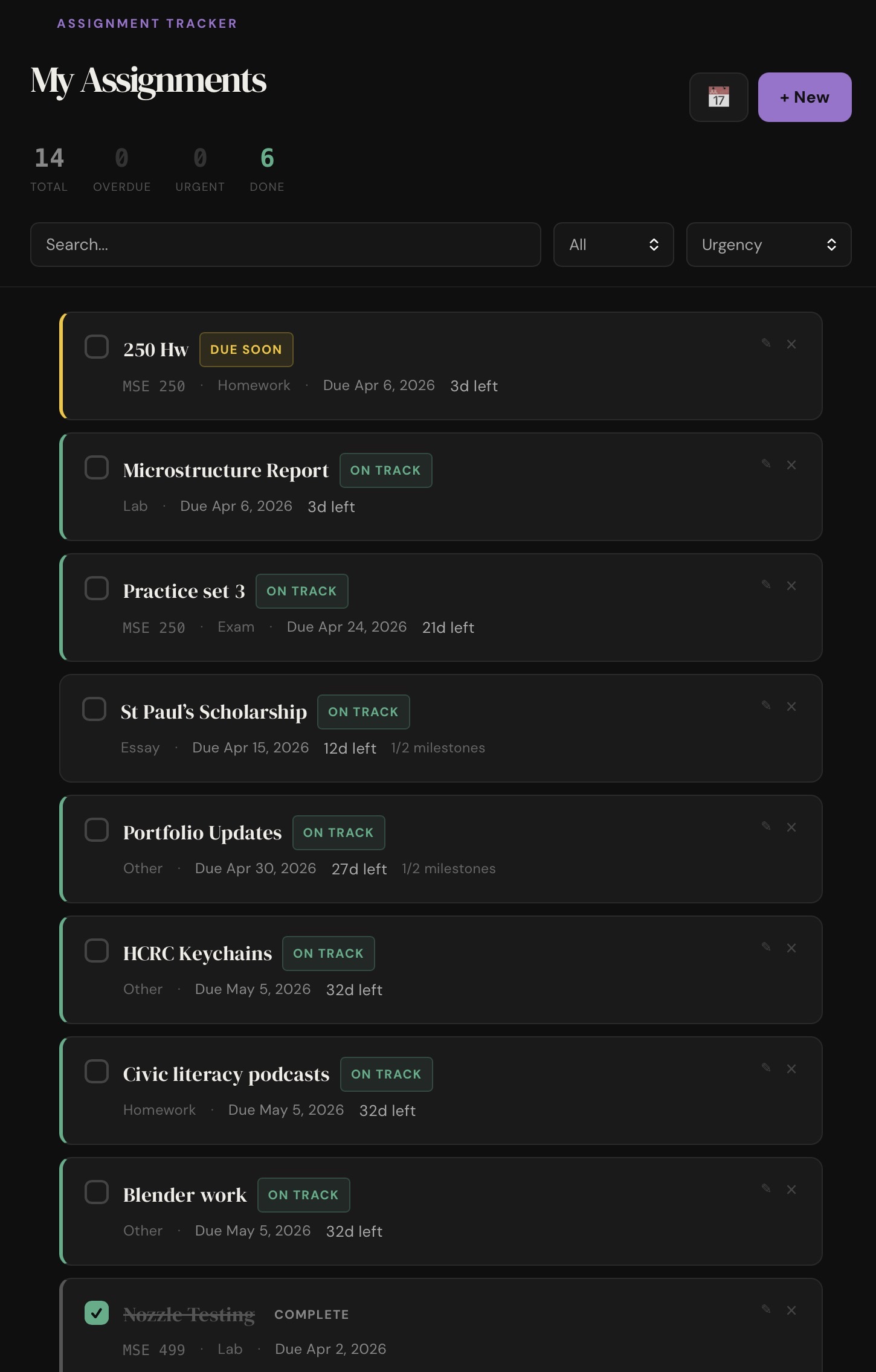
Main screenshot
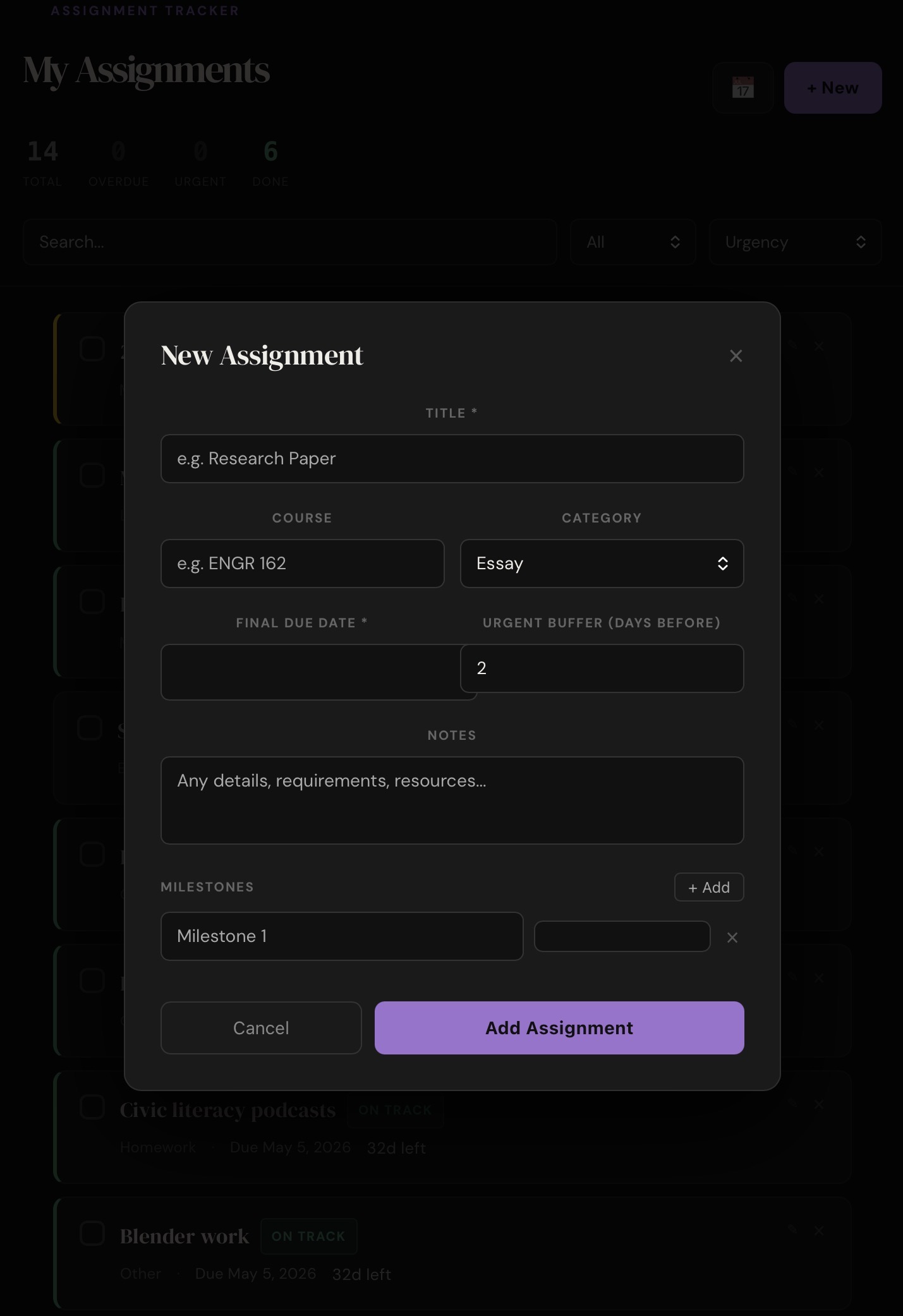
Form view
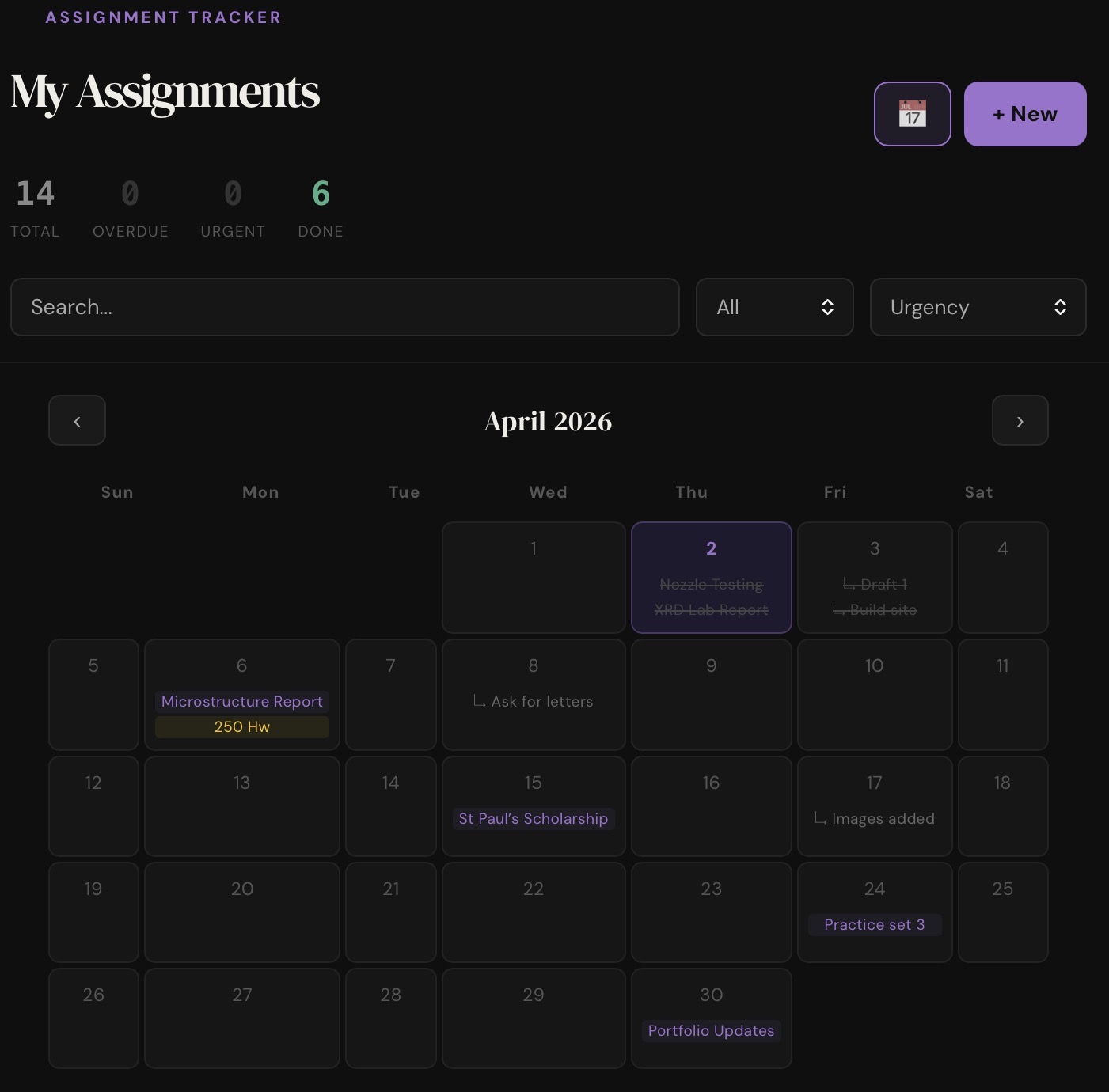
Calendar view
Design Work — Web Development
A React web app for tracking assignments, milestones, and deadlines — built from scratch, deployed on Vercel, and designed to live on an iPad home screen like a native app.
The Assignment Tracker started as a practical problem — I wanted a focused, distraction-aware tool for managing coursework that went beyond a basic to-do list. The idea was to input assignments and milestones with due dates, and have the app integrated with Apple screentime to block distractions when deadlines were close. Built entirely in React and deployed on Vercel, it runs in any browser and can be added to an iPad or phone home screen as a progressive web app, making it feel native without the overhead of a full app store submission.
The main dashboard, sorted by urgency with color-coded status badges.
The app was built iteratively — starting with a basic list and form, then layering in features as needs became clear. The data model stores each assignment with a title, course, category, due date, milestone list, and a configurable "urgent buffer" — the number of days before a deadline when the assignment flips to urgent status. All data is persisted in localStorage so nothing is lost between sessions, and since each user gets their own isolated storage, the app URL can be shared freely without mixing data between people.
The add/edit form (left) and the toggleable calendar view plotting all deadlines and milestones (right).
Features were added in rounds — the first version had basic add and delete. Later iterations added milestone tracking with individual checkboxes, an edit modal triggered by long-press or a pencil icon, a calendar view that maps all assignments and milestones onto a monthly grid, and filter/sort controls for slicing the list by urgency, course, or completion status. The screen time blocking proved impossible to implement without being a native app, but the sorting by urgency (calculated based on due date and the user-configured buffer) ended up being the most critical feature for keeping the list actionable — it surfaces what's actually pressing without letting less urgent items get lost in the shuffle.
The app has been in daily use since it launched. The biggest lesson was how much the urgency model matters — surfacing what's actually pressing versus what's just pending makes the difference between a useful tool and a long list that gets ignored. If I were to extend it further, cross-device sync via a lightweight backend (Supabase or Firebase) would be the natural next step, turning it from a personal tool into something that could be shared across devices without duplicating data entry.
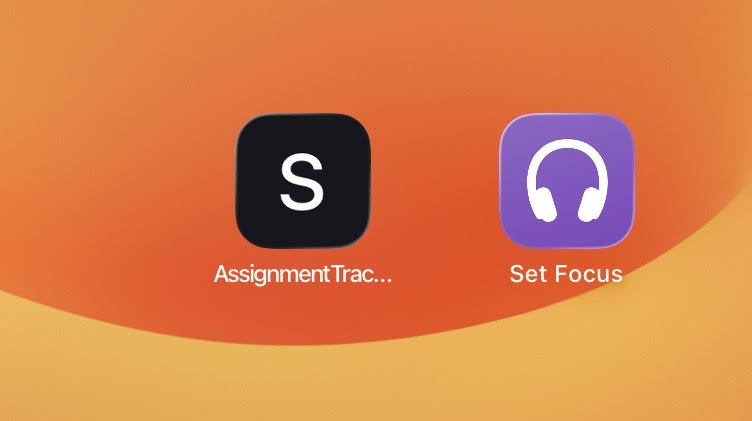
Added to the iPad home screen via Safari — no App Store required.